
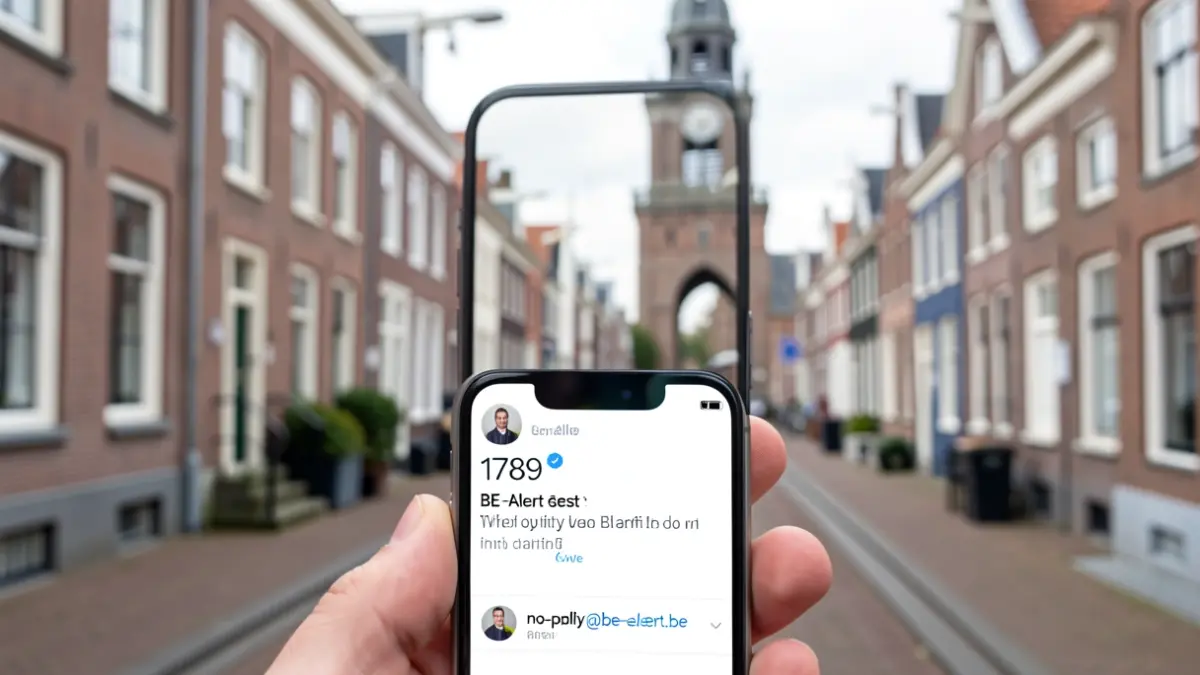
Residents of Lanaken can expect to receive a test message on Thursday, October 1st, 2026, via SMS from number 1789 and/or an email from no-reply@be-alert.be. The message will read: 'BE-Alert municipality Lanaken - This is an alert test, no response required.' More information about BE-Alert's operation is available at www.be-alert.be.
This test aims to practice the municipality's internal alerting procedures and to make residents aware of the importance of timely information during an emergency. For residents who have not yet registered, this test offers an opportunity to do so via the website www.be-alert.be.
What is BE-Alert?
BE-Alert is an alerting system that can notify citizens during an emergency situation. It enables a mayor, governor, or the Minister of Internal Affairs to send messages quickly to anyone who might be affected by an emergency, providing necessary recommendations, such as closing windows and doors during a fire.
BE-Alert is an alerting system that can notify citizens during an emergency situation. It enables a mayor, governor, or the Minister of Internal Affairs to send messages quickly to anyone who might be affected by an emergency, providing necessary recommendations, such as closing windows and doors during a fire.
Registration and Data Management
To receive a test message, registration on www.be-alert.be is required. The registration form should be completed as fully as possible. Users can update, modify, or delete their profile at any time. It is possible to register up to five addresses, including your home address, workplace, and other important locations.
To receive a test message, registration on www.be-alert.be is required. The registration form should be completed as fully as possible. Users can update, modify, or delete their profile at any time. It is possible to register up to five addresses, including your home address, workplace, and other important locations.
The process to review and adjust your data involves a few steps: navigate to www.be-alert.be, log in with your email address and chosen password, check your details, and click the ‘Confirm’ button.